


Never miss a day off again.
Day Off Calendar messages you in Telegram the evening before every public holiday in your countries.
Open in Telegram Add to a group
- Free
- 12 languages
- 200+ countries
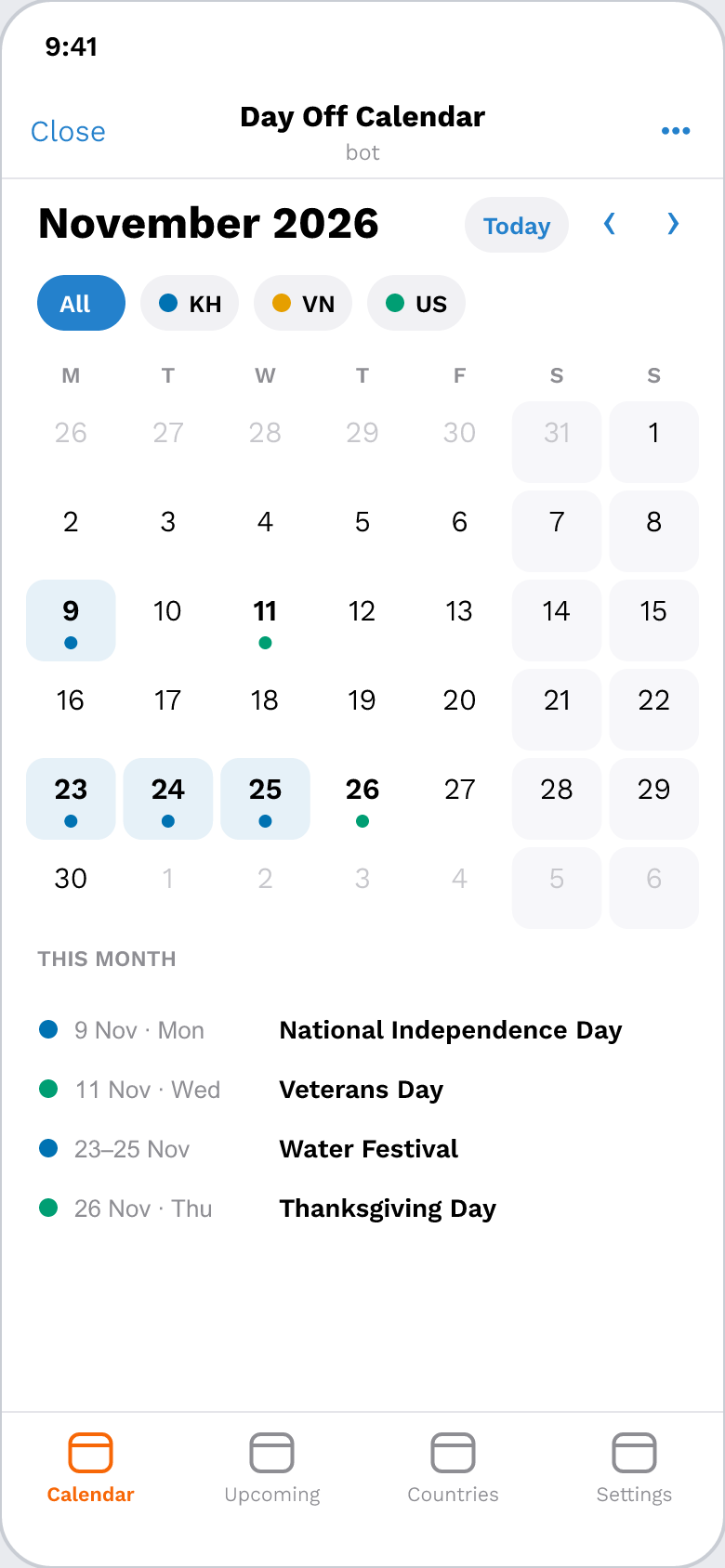
How it works
Pick your language and countries.
Up to 10: home, family, work.Pick an alert time.
18:00 unless you choose another.Get your alerts.
The evening before, 07:00 on the day, and a list every Monday.
Inside the app


What it does
200+ countries
National public holidays, with official lists checked for Cambodia and more.
12 languages
From Khmer and Chinese to Hindi and Korean.
Groups & channels
Alerts for your whole team or your followers.
Long weekends spotted
When a holiday meets a weekend, you'll know.
Add to your phone calendar
One tap saves a holiday to your calendar app.
Private by design
No names, no phone numbers, no messages stored.
National holidays only; regional or state holidays are not included.
12 languages
- English
- ភាសាខ្មែរ
- 中文
- Tiếng Việt
- ລາວ
- မြန်မာ
- Bahasa Melayu
- Bahasa Indonesia
- Filipino
- 日本語
- 한국어
- हिन्दी
For your team, your group, your channel
Add Day Off Calendar to a Telegram group and everyone sees the holiday alerts. Only group admins can change its settings. Run a channel? Add the bot as an admin that can post, and your followers get the alerts too.
Your privacy
We keep only your chat id and your settings: language, countries, alert time and time zone. No names, no usernames, no phone numbers, no messages.
In groups the bot reads only commands and button taps. Send /stop and everything is deleted.
Questions
Is it really free?
Yes. Later, some alerts may carry one short line marked “Sponsored”. Never during setup, never in your first 7 days, and never on days of remembrance.
Is my country covered?
Probably: more than 200 countries are. Open the bot and type your country's name. If we don't have it yet, the bot tells you, and we count every request.
Where do the dates come from? Are they right?
From public holiday lists, and for some countries (including Cambodia) from the government's own announcement, checked by hand. Holidays that follow the moon can move; the bot marks those “date may change” until they are confirmed. Governments sometimes add a day off at short notice, so for anything important, check the official notice too.
Can I use it in a group or channel?
Yes. Add it to a group (only admins can change the settings) or as an admin of your channel. Each group or channel has its own countries and times.
How do I stop it or delete my data?
Send /stop in the chat. It stops all alerts and deletes your settings. To pause only some alerts, use /settings.
